
WSL Linker
Open-source Windows GUI + CLI that links Windows Host directories straight to the WSL 2 Linux filesystem via native directory symlinks. Born the week Google's Antigravity IDE 2.0 broke the WSL Remote workflow — built to restore zero-latency, native-Linux-speed cross-platform development on a Windows desktop.
The Context
When Google's Antigravity IDE jumped to 2.0, the entire editor surface was restructured and the standard WSL Remote Plugin workflow disappeared overnight. Developers who lived inside WSL 2 (for native Linux Git, Docker, npm performance) were suddenly stranded.
Moving the code back onto the Windows host wasn't an option — cross-OS disk access (`/mnt/c/` from inside WSL) degrades Git, Docker, and npm by up to 10×. The files had to stay on the ext4 partition; only the editor's view of them needed to change.
What I built
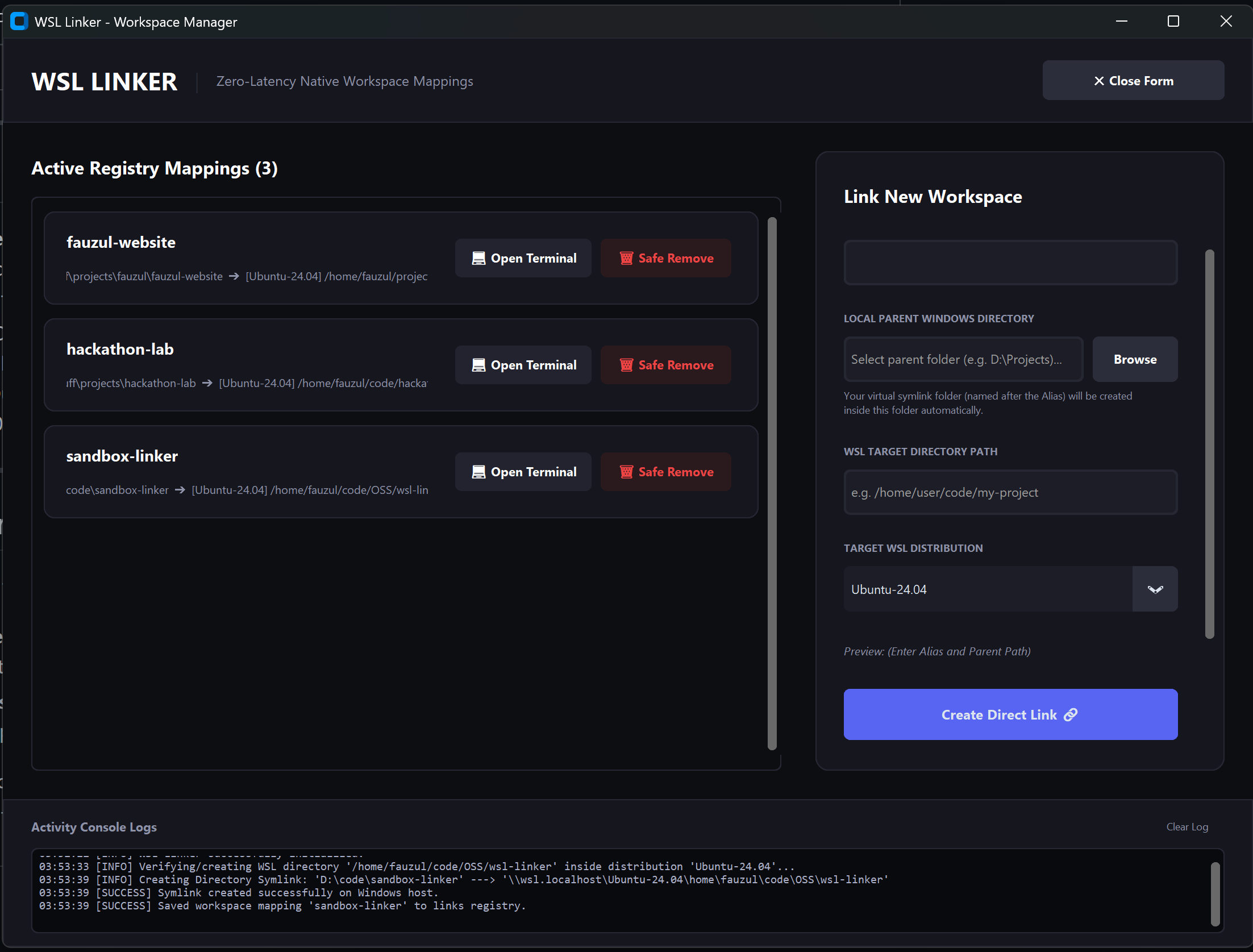
- Native Windows directory symlinks from any host folder straight to `\\wsl.localhost\Ubuntu-24.04\home\user\project` — zero duplication, zero latency.
- Fluent Dark Mode GUI in CustomTkinter — sleek parent-directory onboarding, live path preview that turns emerald green when ready, auto-wrapping card mappings.
- CLI proxy runner. `wsl-linker run npm install` executes the command inside the corresponding WSL directory from a Windows shell — context-drop with one verb.
- Single-file .exe via PyInstaller. Compiled inside an isolated Wine + Docker container so the host stays clean. `make build-docker` and ship.
- Safe unlinker. Uses `os.rmdir` to untether the junction without ever recursing into the WSL target — the most important line of code in the project.
What I learned
A breaking IDE update is also a product opportunity. The fix didn't need to be inside the editor — a 200-line desktop utility with the right scope unblocked the entire workflow.
Open source as scratch-your-own-itch: the tool I needed for myself ships under MIT so anyone burned by the same IDE migration can clone, fork, or redistribute the .exe.
High-calibre architecture decisions.
Technical Highlights
- Native Windows directory symlinks (mklink /D) targeting WSL 2 UNC paths.
- CustomTkinter-based Fluent Dark theme with live `<Configure>` event reflow.
- PyInstaller single-file build inside a Wine Docker container — reproducible, host-clean.
- CLI proxy that routes shell commands across the Windows ↔ WSL boundary.
Key Decisions & Rationale
Any sync-based bridge introduces a second source of truth and inevitable drift. A native directory junction is one filesystem entry, atomic, and the OS handles every read and write.
The people who need this most — designers, QA, junior devs — should not have to install Python, PyInstaller, or configure WSL path shares. Double-click and link.
By the numbers.
WSL Linker — Showcase
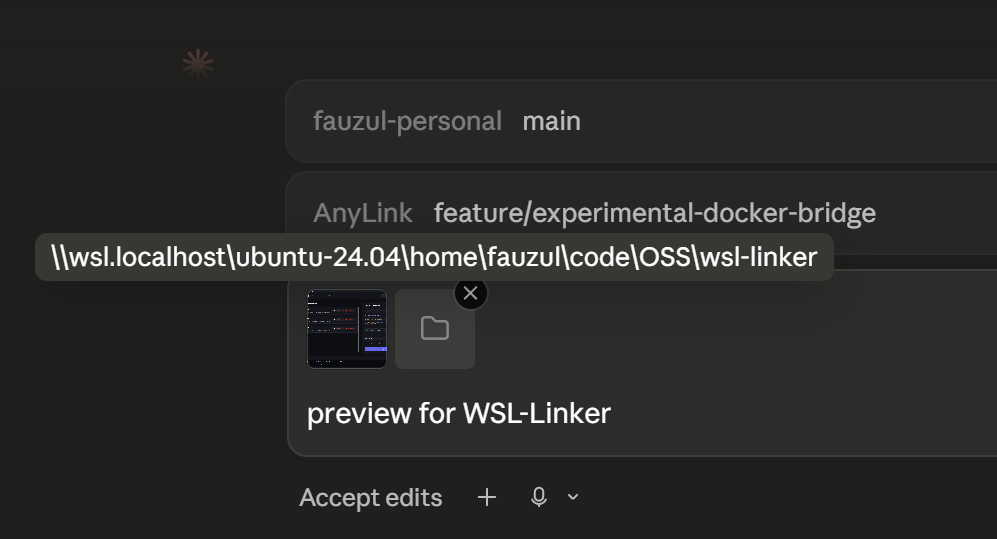
A look at WSL Linker in use — captures from the live product.
WSL Linker — Workspace Manager. Active registry mappings on the left, Link New Workspace flow on the right, live activity console at the bottom.
If we worked together.
I bring high-leverage product engineering and absolute operational discipline: shipping weekly, pressure-testing user inputs, and automating delivery pipelines.
See it in the wild.
This case study covers how WSL Linker was built — these links open what ships today: the live product, repo, demos, and supporting material.
The changelog.
Blur Studio
Blur Studio applies Gaussian blur with soft feathered edges to exact regions of a photo — ellipses, rectangles, or hand-painted grid tiles — and carves out rectangular VIP boxes that stay perfectly sharp even when they overlap a blurred region. It exists because a real launch nearly stalled on exactly this problem, and generative retouching made photos look less real, not more usable. The engine that resulted ships three ways: a glass-UI web app for dragging and painting by hand, a scriptable CLI for shell pipelines, and an MCP server so an AI agent can look at a photo with its own vision and call the exact same tool directly.